
This one runs as an interactive workshop: the hour includes exercises your colleagues do themselves, not only a talk.
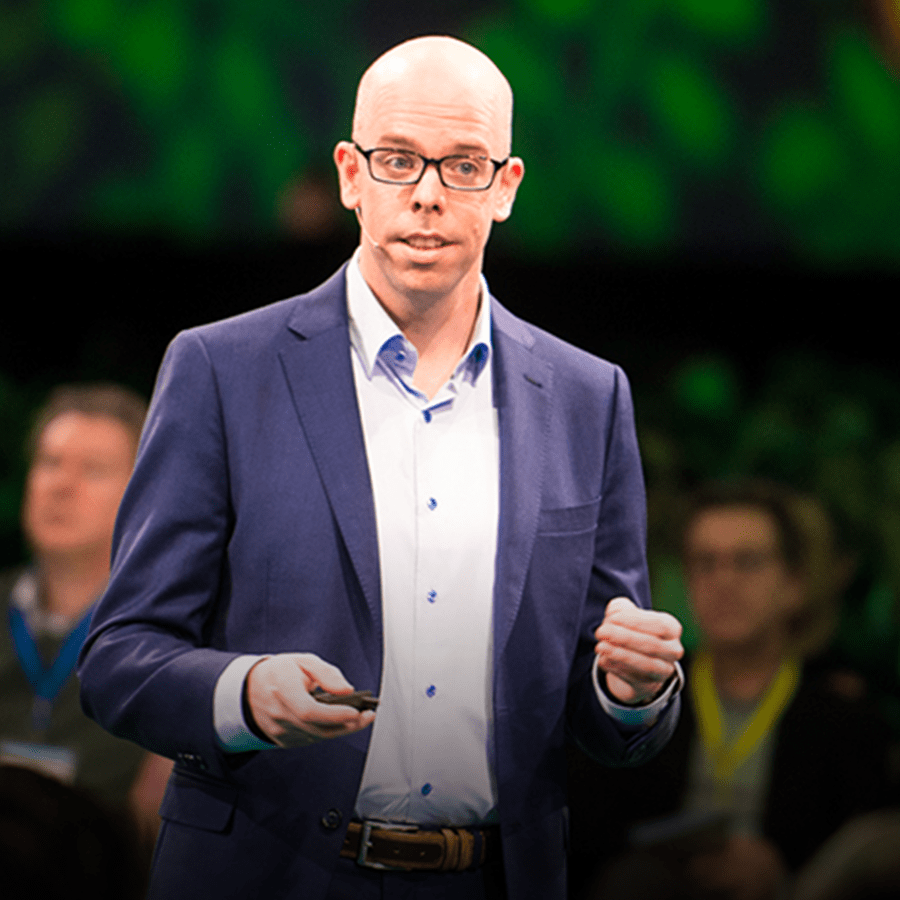
Rory Tol is an AI expert and storyteller with an academic background in Artificial Intelligence and experience performing comedy onstage. He combines technical depth with humour to turn complex AI concepts into practical insights teams can start using tomorrow.
All sessions by Rory →At this point, the integration of AI in the workplace seems inevitable as many professionals are using it daily. But are we using it safely without risking company or client data? And how should you write instructions so AI yields the best results?
That's what we'll cover in this session. With a hands-on approach, we'll tackle how to interact effectively and securely with AI tools, ensuring your team uses their capabilities to the fullest. We start at the basics and quickly learn how to create expert-level prompts.
So whether you’re just starting or looking to sharpen your AI interaction skills, this lecture has got something for you.
During the expert session, Rory Tol engages the audience through a live demonstration of ChatGPT's capabilities, an interactive Q&A session on safe use, and exercises for sharing experiences and learning from one another. These activities help attendees grasp the potential applications of generative AI in their workplaces while addressing concerns about accuracy and safety.
Discover how to use interactive prompts and techniques like few shot prompting to generate accurate and creative responses from chat GPT, enhancing productivity in your workplace.
Learn the importance of handling sensitive information carefully when working with generative AI models such as ChatGPT, ensuring ethical and compliant usage.
Explore various generative AI models like Claude, Facebook, Google, Microsoft Bing, and Ernie, understanding their advantages and limitations to optimize your workflow and problem-solving capabilities.
In this expert session, Rory Tol, a research team member specializing in generative AI, provides a comprehensive training on effectively using AI tools, a language model from OpenAI, in the modern workplace.
Rory starts by explaining what AI tools are and its capabilities of generating human-like language based on given prompts. He discusses safety aspects, emphasizing understanding limitations and potential risks of biased or harmful responses.
The session then explores various ways to use AI tools, from drafting emails and creating PowerPoint presentations to analyzing Excel data and creative writing exercises.
Rory provides examples and clarifies difficult terminology related to language models and generative AI. He emphasizes handling data carefully when working with these models and double-checking the accuracy of generated outputs.
When asked about legal advice, Rory clarifies that AI cannot provide it directly but suggests interpreting information and consulting professionals when necessary.
Rory discusses using interactive prompts to enhance AI performance and introduces "few shot prompting," where users give examples for the AI to learn from. He also emphasizes the importance of interaction in generating specific outcomes, filtering errors, and fact-checking information.
Rory shares insights on alternative generative AI models, such as Claude, Facebook, Google, Microsoft Bing, and Ernie, discussing their advantages and disadvantages. He encourages creativity when working with generative AI and suggests tasks that could be automated to free up time for complex problem-solving.
The expert session concludes with Rory's key takeaways: safety, creativity, and polite interactions with AI models. He encourages experimenting with different prompts and techniques while stressing the need for fact-checking and error filtering.
From the survey every participant gets when the session ends, in their own words.
Very inspiring session, great speaker! Thanks a lot to Rory!
Informative and inspiring session. Thanks
Various aspects to keep in mind for effective usage of ChatGPT. Thanks a lot! Clear demonstration with examples.
Thanks a lot! great session, clear demonstration with examples.
It was super interesting! Also the speaker is really engaging. This was honestly one of the best lectures I had so far, so that is a big compliment! No feedback at all!
That was a great session, thank you! Very clear presentation, easy to follow, great speaker. very laid back.
The start was very fast. menti.com wasn´t understood by many person. so there is only 25% voting attendees. anyway, this was the best and freshest lecture I ever have been joined. Mega Thank you to show us that it can be interesting :-)
To Rory: you are very passionate and enthusiastic! You made this webinar very interesting! Thank you
No prior knowledge is assumed. It is built for a general working audience, and people who already know the subject get the research and the practical side rather than an introduction. What the hour itself covers: At this point, the integration of AI in the workplace seems inevitable as many professionals are using it daily. But are we using it safely without risking company or client data?
A workshop. The description of this session says so itself: the hour includes exercises and activities that participants do, not only an expert speaking. It still runs live and online, for as many colleagues as you want to invite.
Rory Tol is one of the experts we auditioned ourselves, and we produce every session so we see how each one lands. Participants rate this session 4.3 out of 5, across 532 responses, and rate Rory personally 4.5 out of 5.
It is interactive, and the block higher up on this page says exactly how for this session. Nobody has to speak up who does not want to: the chat and the polls carry most of it, and the questions can come in anonymously.
It runs 45 min / 15 min: the talk, then live questions. All you do is pick a date. We brief Rory, produce the session, host and moderate it, run the Q&A, and send you the report within an hour of the end.
A team, a department, an employee network or every single employee at once, with no cap and no per-seat price. It runs inside your own Microsoft Teams, Zoom or Google Meet, or on a branded page we build. No integration, no login, no company device or e-mail.
The session is delivered in English, Dutch. You can add high accuracy live subtitles in 8, 16 or 24 languages, so everyone follows in their own. That is a paid option, priced by the number of languages you need.
No, and that is by design. There is nothing to install, nothing to integrate and no connection to your systems, so there is nothing for IT to validate: we join your own Teams, Zoom or Meet as a guest speaker, or we host a page and your people open a link. No software, no accounts, and no data of yours that we can reach. It is why hundreds of companies, among them some of the largest technology and financial firms in the world, were able to start within a day.
We never receive or hold personal data about your employees. Because the session runs in your own environment, attendance and identity stay with you, and what we report back is aggregated: numbers, ratings and survey answers, not people. That is also why IT approval usually takes minutes rather than weeks.
You keep the recording and can share it internally. You also get attendance over time, participant ratings for the content and the speaker, the survey answers, and the topics your people asked for next.
This session gives participants a practical and up-to-date foundation for using generative AI well, with a focus on how it can…
“Netflix’s biggest competitor is sleep.”That statement captures the reality of today’s attention economy.
As AI becomes part of our everyday routines, this session shows how to use generative tools (e.g., ChatGPT) to think more…
This session helps you stay up to date with the fast-moving world of generative AI.

AI is transforming our lives inside and outside of the workplace - but it is only as effective as the input we give it.
We’ve all seen how generative AI can write, draw, code and create. The next big shift however isn’t about creating more content…

The World Economic Forum has called critical thinking "the one skill we all need in the age of AI”.

In China as elsewhere in the world, cybersecurity and data protection have become major topics of concern as daily life continues…
In this expert session, renowned AI researcher and thought leader Zappa discusses the current state and future implications of…

In the 1970s we were massively addicted to cigarettes. Now again many people have a difficult relationship with an addictive…